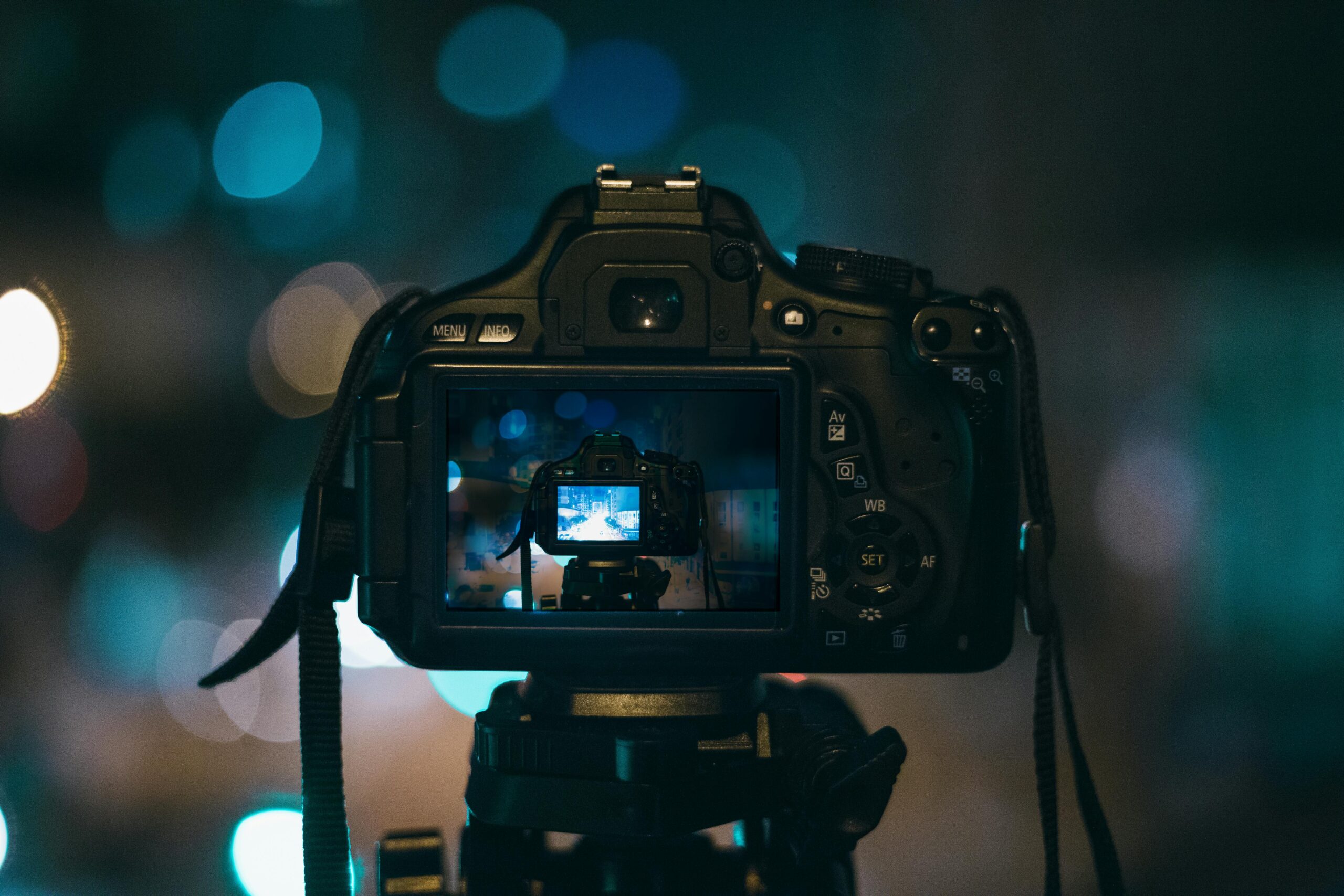
Sensor noise can make or break your images, yet most photographers never truly understand how to test and optimize their camera’s performance in low light.

📷 Why Sensor Noise Testing Matters More Than You Think
Every digital camera sensor generates noise—it’s an inevitable byproduct of electronic imaging. But the difference between amateur shots and professional-grade images often lies in how well you understand and manage this noise. Whether you’re shooting astro photography, wildlife in dim conditions, or indoor events, mastering sensor noise testing gives you complete control over your gear’s capabilities.
Sensor noise manifests as random variations in brightness and color that weren’t present in the actual scene. It becomes increasingly visible at higher ISO settings, in shadow areas, and during long exposures. By systematically testing your sensor’s noise characteristics, you’ll discover your camera’s sweet spots and limitations, enabling you to push boundaries while maintaining image quality.
Understanding your sensor’s noise profile isn’t just about technical knowledge—it’s about creative freedom. When you know exactly how your camera performs at ISO 6400 versus ISO 12800, you can make confident decisions in challenging shooting situations instead of playing it safe and potentially missing the shot.
🔬 The Science Behind Sensor Noise: What You’re Actually Testing
Before diving into testing methodologies, it’s crucial to understand what creates sensor noise. Digital sensors consist of millions of photosites that convert photons into electrical signals. This conversion process introduces several types of noise that affect your final image.
Shot Noise: The Quantum Factor
Shot noise, also called photon noise, is fundamental to physics and cannot be eliminated. It occurs because photons arrive at the sensor randomly rather than in a steady stream. This randomness becomes more apparent in low-light conditions when fewer photons are available. Shot noise follows a predictable mathematical pattern—it equals the square root of the signal, meaning brighter areas show less relative noise than darker ones.
Read Noise: Your Sensor’s Electronic Signature
Read noise originates from the sensor’s electronic circuitry when it reads the charge from each photosite. Modern sensors have significantly reduced read noise through improved electronics, but it remains a limiting factor at lower ISOs. Different cameras exhibit vastly different read noise characteristics, which is why some sensors perform better in shadow recovery than others.
Dark Current Noise: Temperature’s Impact
Dark current refers to electrical charges that accumulate in photosites even without light exposure. This thermal noise increases with temperature and exposure time, which is why long exposures on hot summer nights produce more noise than quick shots in winter. Some cameras include dark frame subtraction features specifically to combat this issue.
🛠️ Essential Tools for Professional Sensor Noise Testing
Proper noise testing requires the right equipment and software. While professional labs use specialized tools, you can achieve reliable results with accessible resources.
Hardware Requirements
Your testing setup doesn’t need to be elaborate, but consistency is critical. A stable tripod prevents motion blur from contaminating your noise measurements. A lens cap or body cap is essential for dark frame tests. For real-world noise testing, you’ll need uniform lighting conditions—either a perfectly lit gray wall or a professional color checker card.
A remote shutter release or your camera’s self-timer eliminates camera shake during exposure. Consider conducting tests in a temperature-controlled environment, as sensor temperature significantly affects noise characteristics. If you’re serious about testing, an infrared thermometer lets you monitor sensor temperature between shots.
Software Analysis Tools
Raw image processors like Adobe Lightroom, Capture One, or RawTherapee provide basic noise evaluation capabilities. However, specialized software offers deeper insights. RawDigger excels at analyzing raw files without any processing applied, giving you pure sensor data.
PhotoMetrics and Imatest provide professional-grade analysis but come with professional-grade pricing. For most photographers, free tools like dcraw combined with ImageJ or the online tool Photons to Photos database offer sufficient analytical capabilities to understand your sensor’s performance envelope.
📊 Step-by-Step Testing Protocol for Maximum Accuracy
Systematic testing produces reliable, repeatable results that truly reveal your sensor’s characteristics. Follow this protocol to build a comprehensive noise profile for your camera.
Dark Frame Test Sequence
Begin with dark frame testing to isolate noise from actual image signal. Set your camera to manual mode and place the lens cap securely over the lens. Ensure you’re in a completely dark environment—even small light leaks will compromise results.
Starting at your camera’s base ISO (typically 100 or 200), capture five frames at each ISO setting your camera offers. Use the same shutter speed for all shots—1/60th or 1/125th second works well for initial testing. Shoot in raw format exclusively, as JPEG compression and processing mask the true noise characteristics.
For each ISO setting, take your five exposures and note any unusual conditions. Temperature matters significantly, so if your camera heats up during the test sequence, allow cooling time between batches. This methodical approach creates a baseline understanding of your sensor’s inherent noise floor.
Gray Card Exposure Test
Dark frames show noise without signal, but real photography involves light. The gray card test reveals how noise behaves when the sensor is actually recording a scene. Position a gray card or uniformly lit white wall to fill your frame completely. Lighting should be even across the entire surface—use diffused light sources to eliminate hotspots.
Expose the gray card to achieve middle gray (18% reflectance) in your histogram—the peak should sit dead center. Repeat the ISO ladder from your dark frame test, capturing five frames at each ISO setting. This consistency allows direct comparison between pure sensor noise and real-world photographic conditions.
Pay special attention to exposure settings. Use apertures in your lens’s sweet spot (typically f/5.6 to f/8) to eliminate optical aberrations from the equation. You’re testing the sensor, not the lens.
Dynamic Range Challenge Test
Understanding noise in deep shadows reveals your camera’s true dynamic range potential. Create a scene with extreme contrast—a brightly lit area and deep shadows in the same frame. A window with strong backlight works perfectly.
Expose for the highlights, letting the shadows fall dark. Capture this scene at multiple ISO settings. In post-processing, push the shadow areas up by 3-5 stops and examine the noise that emerges. This brutal test shows exactly how much shadow recovery your sensor can handle before noise destroys detail.
🔍 Analyzing Your Results: Reading the Data
Collecting test images is only half the process—proper analysis transforms raw data into actionable knowledge about your camera’s performance.
Visual Inspection Method
Import your test images into your raw processor and view them at 100% magnification. Look for patterns in the noise—is it predominantly luminance (brightness variations) or color (chroma) noise? Luminance noise is generally more acceptable as it mimics film grain, while color noise appears as random colored pixels that are more distracting.
Create a comparison chart in Lightroom or your preferred software. Place dark frames from ISO 100, 400, 1600, 6400, and the highest ISO in adjacent windows. Notice how noise character changes—not just increasing amplitude but also changing texture and pattern. Some sensors show banding at certain ISOs, visible as horizontal or vertical lines in dark frames.
Quantitative Measurement Approach
For numerical analysis, RawDigger provides standard deviation measurements that quantify noise levels. Open your test images and sample a uniform area. The standard deviation value represents pixel-to-pixel variation—higher numbers mean more noise.
Plot these values against ISO settings to create your sensor’s noise curve. Most sensors show noise increasing proportionally with ISO, but not always linearly. Some cameras have “ISO invariant” ranges where digital gain is applied in post-processing rather than at sensor level, resulting in similar noise floors across multiple ISO settings.
Signal-to-Noise Ratio Calculation
The signal-to-noise ratio (SNR) is the gold standard metric for sensor performance. It compares the actual image signal to the noise floor. Calculate SNR by dividing the mean pixel value by the standard deviation, then converting to decibels: SNR (dB) = 20 × log10(signal/noise).
Higher SNR numbers indicate cleaner images. Professional cameras often achieve SNR above 40 dB at base ISO, while consumer cameras might reach 35-38 dB. As ISO increases, SNR decreases—the rate of this decline reveals how well your sensor manages noise amplification.
💡 Practical Applications: Using Your Noise Data in Real Photography
Testing means nothing if you don’t apply the insights to improve your photography. Here’s how to leverage your noise knowledge for better images.
Establishing Your Usable ISO Range
Your test results reveal which ISO settings produce acceptable image quality for your standards. Define your comfort zones: base ISO for maximum quality, a “push zone” where quality remains excellent with minor noise, a “usable zone” where noise is visible but manageable, and a “emergency zone” for situations where getting the shot matters more than perfect quality.
These zones are subjective and depend on your output medium. Large prints demand cleaner files than social media posts. Portrait photographers typically require lower noise than sports photographers who prioritize freezing action. Your testing provides the objective data to make these subjective decisions confidently.
Optimizing Exposure Strategy
Noise testing often reveals that exposing to the right (ETTR)—using the brightest exposure without clipping highlights—produces cleaner images than underexposing and brightening in post. Your shadow recovery tests prove this: shadows boosted in post-processing show significantly more noise than properly exposed midtones.
This knowledge changes how you meter scenes. Instead of protecting highlights at all costs, you might choose to let small specular highlights clip if it means properly exposing your main subject. Your testing showed exactly how much you can recover in shadows versus highlights, informing this decision.
In-Camera Noise Reduction Settings
Most cameras offer noise reduction options, but these often reduce fine detail along with noise. Your testing helps determine when to engage these features. If your tests show severe pattern noise or hot pixels at high ISOs, in-camera noise reduction might be worthwhile. For sensors with random noise, you’re often better disabling it and applying more sophisticated noise reduction in post-processing where you have finer control.
🚀 Advanced Testing: Taking It to the Next Level
Once you’ve mastered basic noise testing, advanced techniques reveal even more about your sensor’s capabilities.
Long Exposure Noise Characterization
Astrophotographers and night scene specialists need to understand how noise evolves during exposures lasting minutes or hours. Conduct a time-series test with your lens cap on, capturing exposures of 30 seconds, 1 minute, 2 minutes, 5 minutes, and 10 minutes at your preferred night photography ISO.
You’ll likely observe dark current noise increasing with exposure time, possibly showing hot pixels that aren’t visible in shorter exposures. This information determines whether to use your camera’s long exposure noise reduction (which doubles capture time by taking a dark frame after each exposure) or handle it in post-processing.
Temperature Impact Studies
Sensor noise increases with temperature, but by how much? Conduct your standard dark frame test sequence, then repeat it after 30 minutes of continuous shooting when your camera is warm. Compare the results to quantify temperature effects on your specific camera model.
This data proves invaluable for extended shooting sessions in warm conditions. You might discover that your sensor performs significantly worse after heating up, suggesting the need for cooling breaks during long events or time-lapse sequences.
Raw Converter Comparison
Different raw processors apply varying degrees of default noise reduction and processing. Export the same high-ISO test image through Lightroom, Capture One, and DxO PhotoLab with all noise reduction disabled. Compare the results to see which converter preserves the most detail while managing noise most effectively.
🎯 Making Sense of Your Camera’s Noise Signature
Every sensor has a unique noise signature—a characteristic pattern that becomes recognizable once you know what to look for. Your systematic testing reveals this fingerprint, allowing you to work with your sensor’s strengths rather than against its weaknesses.
Some sensors produce fine-grained noise that responds well to luminance noise reduction while preserving detail. Others generate coarser, more chromatic noise that requires aggressive color noise reduction. Pattern noise, visible as repeating structures or banding, indicates specific electronic characteristics that might be minimized at certain ISO settings but pronounced at others.
Understanding your sensor’s personality transforms technical limitations into creative tools. That film-like grain at ISO 3200 might become a desired aesthetic for certain projects. The knowledge that ISO 1600 and ISO 3200 produce similar noise on your ISO-invariant sensor means you can shoot at 1600 and push exposure in post while maintaining flexibility.

🌟 Beyond the Numbers: Integrating Testing Into Your Workflow
The ultimate goal isn’t accumulating data—it’s producing better images. Integrate your noise testing insights into practical shooting decisions that elevate your photography.
Create a quick-reference card listing your camera’s optimal settings for various scenarios based on your testing. Know that ISO 800 is your sweet spot for event photography, giving you adequate shutter speeds while keeping noise minimal. Understand that your sensor remains excellent through ISO 3200, giving you confidence to raise ISO rather than compromise shutter speed or aperture.
This confidence is testing’s greatest gift. You stop second-guessing technical decisions and focus on creative ones. When that decisive moment arrives in challenging light, you know exactly what your camera can deliver because you’ve tested it thoroughly. You’ve seen the noise at ISO 6400, determined it’s acceptable for your purposes, and can commit to the shot without hesitation.
Regular testing also helps identify sensor degradation over time. Annual noise tests create a performance baseline, revealing if your sensor develops new hot pixels or increased noise that might indicate the need for service. This preventive maintenance approach catches problems before they compromise important shoots.
Sensor noise testing transforms your relationship with your camera from uncertain coexistence to informed partnership. You understand its strengths, acknowledge its limitations, and extract maximum performance in any situation. The time invested in systematic testing returns dividends in image quality, creative confidence, and technical mastery that sets professional work apart from amateur experimentation. Your gear’s potential isn’t fixed—it’s unlocked through understanding, and that understanding begins with proper testing.